
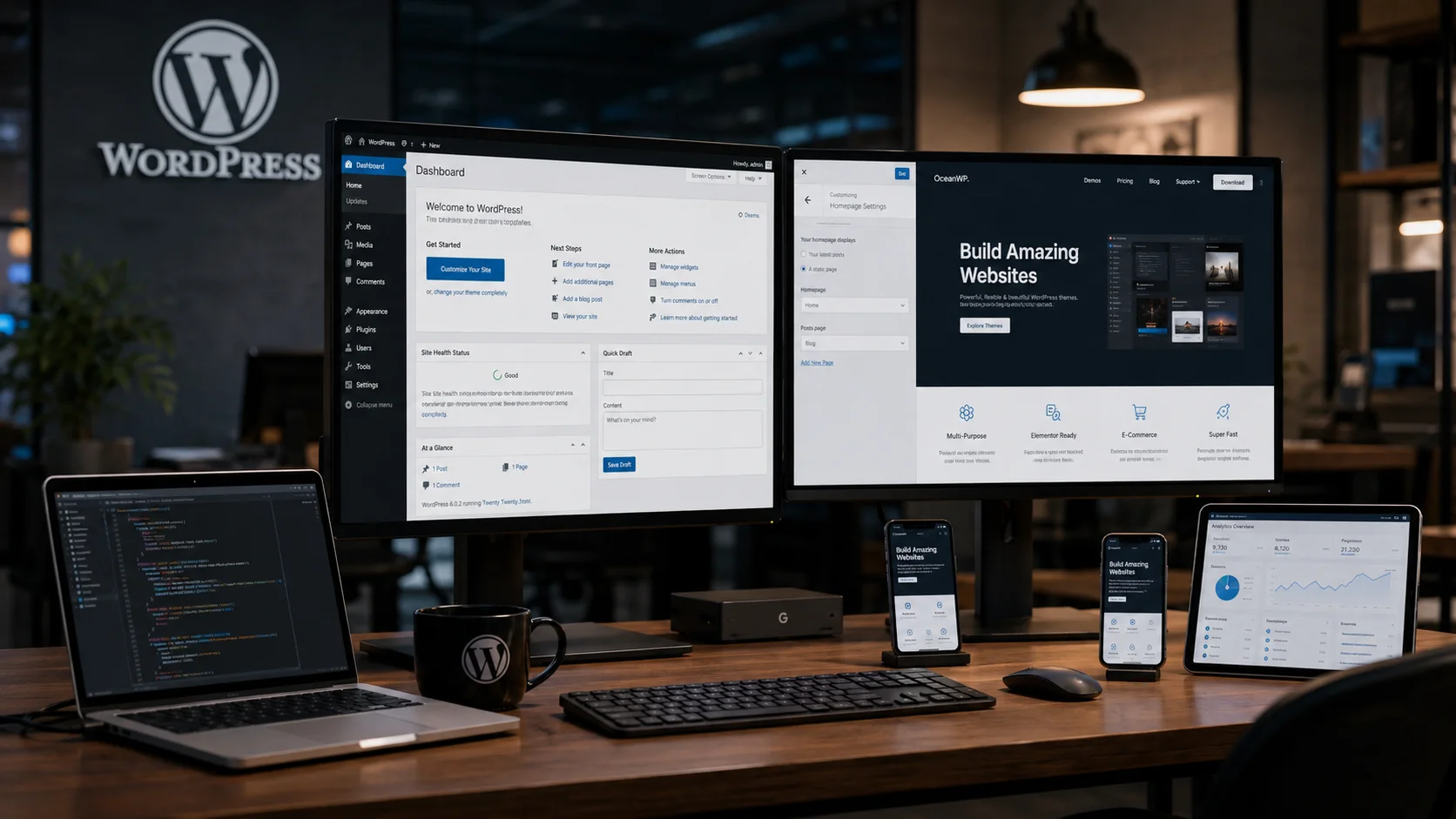
WordPress is one of the most popular website development platforms in the world. Whether you want to build a business website, blog, portfolio, eCommerce store, or enterprise portal, WordPress provides a flexible and scalable solution for businesses and individuals alike.
Today, millions of websites rely on WordPress because of its ease of use, customization capabilities, SEO-friendly architecture, and extensive plugin ecosystem. Businesses of all sizes use WordPress to establish their digital presence and manage online content efficiently.
If you are wondering what is WordPress and how to start WordPress, this complete guide will walk you through everything you need to know — from hosting selection to theme installation, plugins, optimization, and website growth strategies.
What Is WordPress?
WordPress is an open-source Content Management System (CMS) built primarily using PHP and MySQL technologies. It allows users to create, manage, and publish websites without requiring advanced coding knowledge.
Initially launched as a blogging platform, WordPress has evolved into a powerful CMS capable of handling:
- Business websites
- Corporate portals
- eCommerce stores
- Portfolio websites
- Educational platforms
- Membership systems
- News portals
- Enterprise web applications
Its flexibility makes it one of the most preferred platforms for modern website development.
Businesses looking for professional website solutions often choose custom web design services and web portal development solutions to extend WordPress functionality for advanced business operations.
Why Is WordPress So Popular?
WordPress powers a significant percentage of websites globally because it offers an excellent balance between simplicity and advanced customization.
Key Advantages of WordPress
- User-friendly dashboard
- SEO-friendly structure
- Thousands of plugins and themes
- Responsive website support
- Strong developer community
- Easy content management
- Scalable architecture
- eCommerce integration capabilities
- Multi-language support
- Custom development flexibility
Whether you are a startup, SME, or enterprise organization, WordPress can adapt to your business requirements.
WordPress.org vs WordPress.com
Many beginners get confused between WordPress.org and WordPress.com. Understanding the difference is important before starting your website.
WordPress.org
WordPress.org is the self-hosted version of WordPress. It gives complete control over your website, including themes, plugins, server access, and customization.
Best for:
- Businesses
- Professional websites
- eCommerce platforms
- Custom development projects
- SEO-focused websites
WordPress.com
WordPress.com is a hosted platform where hosting and maintenance are managed for you. However, customization and scalability are more limited compared to WordPress.org.
Best for:
- Personal blogs
- Small hobby websites
- Basic publishing needs
How to Start WordPress Website Development
Starting a WordPress website involves several important steps. Following a structured process helps ensure better performance, security, and long-term scalability.
Step 1: Choose a Reliable Hosting Provider
The first step in learning how to start WordPress is selecting a reliable hosting provider. Your hosting directly impacts website speed, uptime, security, and overall performance.
Important factors to consider include:
- Server performance
- SSD storage
- Website security
- Backup support
- Customer support quality
- Scalability options
- Server uptime guarantees
Popular WordPress hosting providers include:
- Bluehost
- SiteGround
- WP Engine
- Cloudways
- Hostinger
Businesses with growing traffic often benefit from professional server support services for performance optimization and infrastructure management.
Step 2: Register Your Domain Name
Your domain name represents your brand identity online. Choose a domain that is:
- Short and memorable
- Easy to spell
- Relevant to your business
- SEO-friendly when possible
For example:
- yourbusiness.com
- brandname.in
- companysolutions.com
Step 3: Install WordPress
Most hosting providers offer one-click WordPress installation through their control panel.
The installation process usually includes:
- Login to hosting account
- Open hosting dashboard
- Select WordPress installer
- Choose domain name
- Create admin credentials
- Complete installation
After installation, you can access your WordPress admin panel using:
yourdomain.com/wp-admin
Step 4: Choose a WordPress Theme
A WordPress theme controls the appearance and layout of your website.
You can choose from:
- Free WordPress themes
- Premium themes
- Custom-designed themes
When selecting a theme, prioritize:
- Mobile responsiveness
- Fast loading speed
- SEO optimization
- Clean design structure
- Plugin compatibility
Professional businesses often invest in UI/UX design services to create custom user experiences that improve engagement and conversions.
Step 5: Customize Your Website
WordPress provides a built-in customization interface that allows you to personalize various website elements.
You can customize:
- Website logo
- Typography
- Colors
- Header layout
- Navigation menus
- Homepage sections
- Footer content
A professionally designed website improves user trust, engagement, and business credibility.
Step 6: Add Website Content
Content is one of the most important parts of any WordPress website.
WordPress mainly supports two content types:
- Posts — used for blogs and articles
- Pages — used for static pages like About, Services, and Contact
Important pages every business website should include:
- Home Page
- About Us
- Services
- Portfolio
- Blog
- Contact Page
High-quality content also helps improve SEO visibility and Google rankings.
Step 7: Install Essential WordPress Plugins
Plugins extend the functionality of your WordPress website.
Popular plugin categories include:
- SEO plugins
- Security plugins
- Caching plugins
- Backup plugins
- Contact form plugins
- eCommerce plugins
- Analytics plugins
Recommended Plugins
- Rank Math SEO
- Yoast SEO
- WooCommerce
- Elementor
- WP Rocket
- Wordfence Security
- Contact Form 7
Businesses planning to sell products online can explore eCommerce development services for advanced online store functionality.
Step 8: Optimize WordPress for SEO
Search Engine Optimization (SEO) is critical for increasing website visibility and attracting organic traffic.
SEO best practices for WordPress include:
- Using SEO-friendly URLs
- Optimizing meta titles and descriptions
- Adding image alt tags
- Improving page speed
- Using structured headings
- Creating high-quality content
- Building internal links
- Optimizing mobile responsiveness
Professional SEO services can help businesses improve search rankings and increase website traffic.
Step 9: Improve Website Security
Security is extremely important for every WordPress website.
Important WordPress security practices include:
- Using strong passwords
- Keeping plugins updated
- Installing security plugins
- Enabling SSL certificates
- Using secure hosting
- Regular website backups
- Implementing firewall protection
Proper security measures help protect business data and customer information.
Step 10: Maintain and Grow Your Website
Launching your website is only the beginning. Regular maintenance ensures long-term website performance and stability.
Maintenance tasks include:
- Updating WordPress core
- Updating plugins and themes
- Monitoring website speed
- Checking website security
- Creating regular backups
- Publishing fresh content
- Monitoring SEO performance
As your business grows, WordPress can scale with advanced integrations, automation systems, and custom development capabilities.
Who Should Use WordPress?
WordPress is suitable for:
- Startups
- Small businesses
- Corporate companies
- Educational institutions
- Healthcare organizations
- eCommerce businesses
- Bloggers
- Agencies
- SaaS platforms
Its flexibility allows organizations to create highly customized digital solutions for different industries and business models.
Common Mistakes Beginners Should Avoid
Choosing Cheap Hosting Only Based on Price
Low-quality hosting often causes slow website speed and downtime.
Installing Too Many Plugins
Excessive plugins can reduce website performance and create security vulnerabilities.
Ignoring SEO Optimization
Without proper SEO, your website may struggle to rank in search engines.
Not Backing Up Website Data
Regular backups are essential for protecting your website against technical failures or attacks.
Conclusion
Understanding what is WordPress and how to start WordPress is the first step toward building a successful online presence. WordPress provides businesses and individuals with a flexible, scalable, and SEO-friendly platform capable of supporting everything from blogs to enterprise-grade web applications.
By choosing the right hosting, selecting quality themes and plugins, optimizing for SEO, and maintaining proper website security, you can create a professional WordPress website that supports long-term business growth.
If you are planning to build a professional WordPress website, custom portal, or scalable business platform, working with experienced developers can help ensure better performance, design quality, and future scalability.
Need Professional WordPress Development Services?
Digitize Info System provides professional WordPress website development, UI/UX design, SEO optimization, eCommerce development, and custom web portal solutions tailored for modern businesses.
Contact Us Today to discuss your WordPress website project and digital transformation goals.
Frequently Asked Questions
WordPress is a flexible foundation for business websites, blogs, portfolios, and online stores. It provides an ecosystem of themes, plugins, and content tools that help organisations publish pages, capture leads, and manage digital experiences without rebuilding the entire platform from scratch.
For businesses, the real advantage is that WordPress can scale with changing needs. You can begin with a simple site and later add SEO, e-commerce, membership features, or custom integrations while keeping control over content and brand presentation.
WordPress gives growing companies more control over design, functionality, and content than many closed website builders. It can be hosted on your own infrastructure, connected to custom tools, and extended with plugins, so it works well for businesses that need both reliability and future flexibility.
Unlike some proprietary builders, WordPress is widely supported and does not lock you into a single vendor. That makes it easier to adapt the website as your business evolves and to change hosting or development partners without losing your content.
Launching a WordPress website starts with selecting a hosting provider, choosing a theme that fits your brand, and planning content pages that communicate your services clearly. A strong setup also includes installing SEO and security plugins to protect visitors and improve search visibility.
After the initial launch, it is important to test forms, page speed, and mobile responsiveness. That ensures the new site works reliably for customers on different devices and minimizes the chance of missed leads or broken experiences.
A small business should have basic content management and update skills to maintain a WordPress site. That includes editing pages, publishing blog posts, refreshing images, and keeping plugins and themes up to date to protect the site from security risks.
If the business lacks internal technical staff, it can still manage a WordPress site with a trusted development partner for updates and backups. The key is having a clear maintenance rhythm so the website stays current and continues to support marketing and sales efforts.
